
Would you like to transfer or synchronize data?
You can try FREE APPLICATION from online stores:



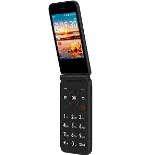
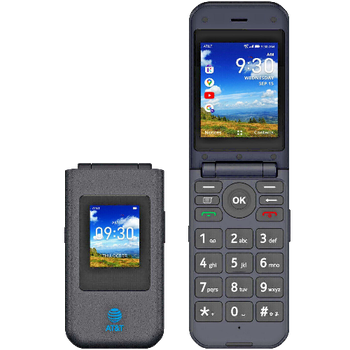
In our guideline we will introduce PhoneCopy.com service which supports many phones from almost all manufacturers, including AT&T Cingular Flip IV, and can be easily used to synchronize data between two or more devices.
This guideline also works for similar devices like AT&T Cingular Flex, AT&T Cingular Flip 2 (4044O), AT&T Cingular Flip 3 (q28a).
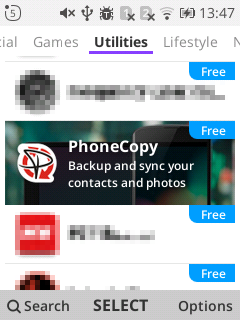
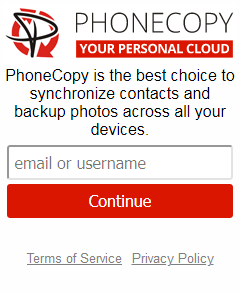
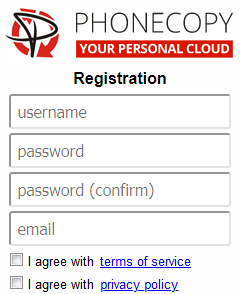
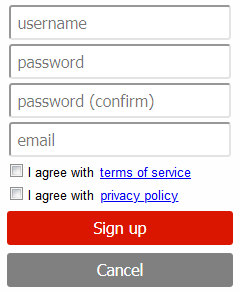
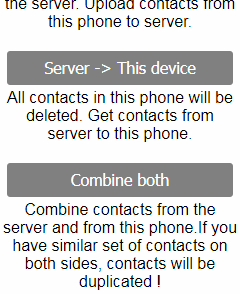
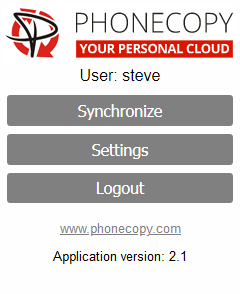
If you already have a PhoneCopy account, fill in your password. To export your contacts, press "Synchronize". Then select synchronization direction between three options: From your DEVICE to server, From SERVER to your device or Combine both. If you are not sure, use Combine both.
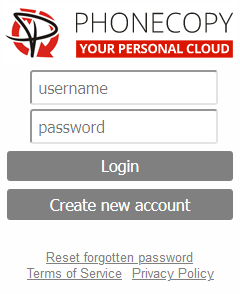
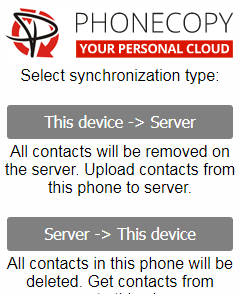
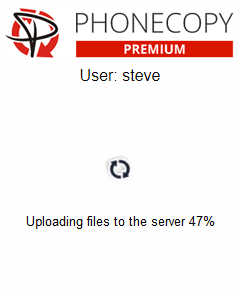
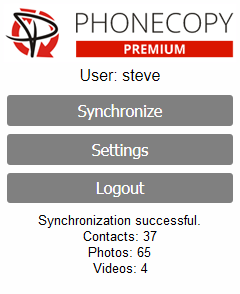
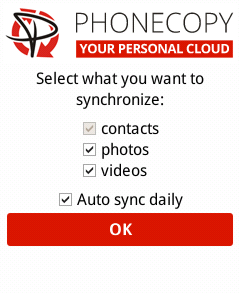
Select "contacts" and/or "photos" and press Synchronize. At the end of synchronization you will see status of synchronized items. In the Settings, you can set "auto sync daily".
This guideline also works for similar devices like AT&T Cingular Flip 2 (4044O), AT&T Cingular Flip 3 (q28a), AT&T Cingular Flip IV.
Your backup is now complete. Visit the PhoneCopy website to confirm that all your contacts were transferred correctly and to explore the other features your account offers.
PhoneCopy also supports syncing notes, calendar events, and SMS messages on many devices, not just contacts. Check the PhoneCopy website to see the full list of supported data types for your phone.